iOS Application
Transcribatron
Voice-to-text that actually respects your privacy
The Problem
Most voice-to-text apps work the same way. You talk, your audio gets uploaded to a server somewhere, and you get a transcript back. The transcription is usually rough. Filler words, broken sentences, zero formatting. If you want something you can actually use, you are spending another ten minutes cleaning it up by hand.
For professionals who dictate regularly, lawyers, journalists, researchers, sales teams, this is a daily friction point. And for anyone handling sensitive information, the idea of audio being sent to a third-party server is a non-starter.
The existing tools force a choice: convenience or privacy. Good transcription or good formatting. One AI provider or another. Nobody was building something that gave users all of it without compromise.
What We Built
Transcribatron is a native iOS and macOS app that handles the entire pipeline. Record, transcribe, clean up, and deliver polished text without any of it leaving the device unless the user says so.
Transcription runs on-device using WhisperKit, an implementation of OpenAI's Whisper model optimized for Apple hardware. It uses the Neural Engine when available and falls back to the GPU. The result is fast, accurate transcription with zero network dependency.
After transcription, the user can optionally run the text through an AI post-processor. This is where they choose: Claude, OpenAI, Gemini, Grok, or a completely local model that never touches the internet. The AI cleans up the transcript, applies the user's preferred writing style, and delivers something ready to use.
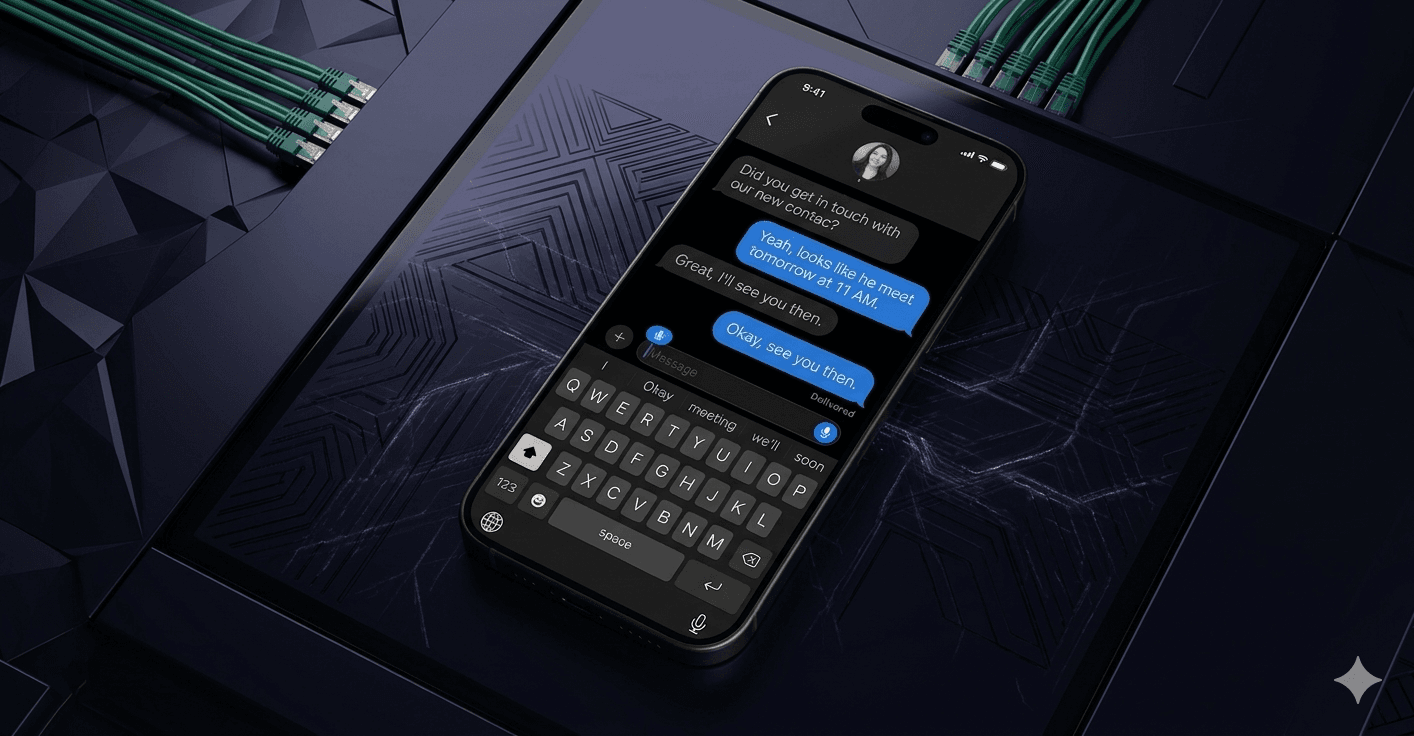
The keyboard extension is what ties it all together. Users switch to the Transcribatron keyboard in any app, tap the microphone, speak, and the polished text inserts directly into whatever they were typing. No app switching, no copy-paste.
Key Features
On-Device Transcription
Audio never leaves the device. WhisperKit runs OpenAI's Whisper model directly on Apple hardware, using the Neural Engine for speed and the GPU as a fallback. No cloud uploads, no latency, no privacy concerns.
AI-Powered Cleanup
Raw transcriptions get polished by the user's choice of AI provider. Filler words disappear, grammar tightens up, and the tone matches the user's selected style. Formal, casual, concise, or something custom.
System-Wide Keyboard Extension
A custom iOS keyboard that lets users dictate directly into any text field on the phone. Mail, Messages, Notes, third-party apps. Tap the mic, talk, and the finished text drops right in.
Meeting Intelligence
Record entire meetings and get structured analysis back. Action items, follow-ups, important dates, key decisions. Customizable templates let users define exactly what they want extracted from each meeting type.
Multi-Provider AI
Users choose their own AI backend. Claude, OpenAI, Gemini, Grok, or a fully local model that costs nothing. A built-in cost calculator shows the price per request so users can make informed choices.
Style Presets
Six built-in writing styles and unlimited custom presets. Apply a different tone to the same transcription without re-recording. Version history tracks how presets evolve over time.
Tech Stack
The Impact
How We Approached It
The core constraint was privacy. Transcription had to run entirely on-device, which meant integrating WhisperKit and optimizing it for Apple's Neural Engine. We built a fallback chain, Neural Engine first, then GPU, then CPU, so the app works reliably across every device generation without the user thinking about it.
The keyboard extension was the hardest piece. iOS keyboard extensions run in a sandboxed process with strict memory limits. We built an IPC layer using App Groups and Darwin notifications so the keyboard can trigger recording and receive processed text back from the main app without violating any sandbox rules.
For the AI layer, we built a provider-agnostic post-processing system. Each provider, Claude, OpenAI, Gemini, Grok, and the local Qwen model, implements the same protocol. Switching providers is a single setting change with zero impact on the rest of the app. The cost calculator pulls pricing data for each model so users can make informed decisions.
Data persistence uses SwiftData with CloudKit sync. Six schema versions with automated migrations, encrypted iCloud sync across devices, and shared containers for extension access. The user never thinks about syncing. Their transcriptions and meeting notes just appear on every device.
Project Status
Currently in Development
Transcribatron is in active development heading toward an App Store launch. The core transcription engine, AI post-processing pipeline, keyboard extension, and meeting intelligence features are built and being refined. We are focused on performance optimization and polishing the experience before release.